Swap or add a photo; add your logo
Takes about 1 minute
Step by step
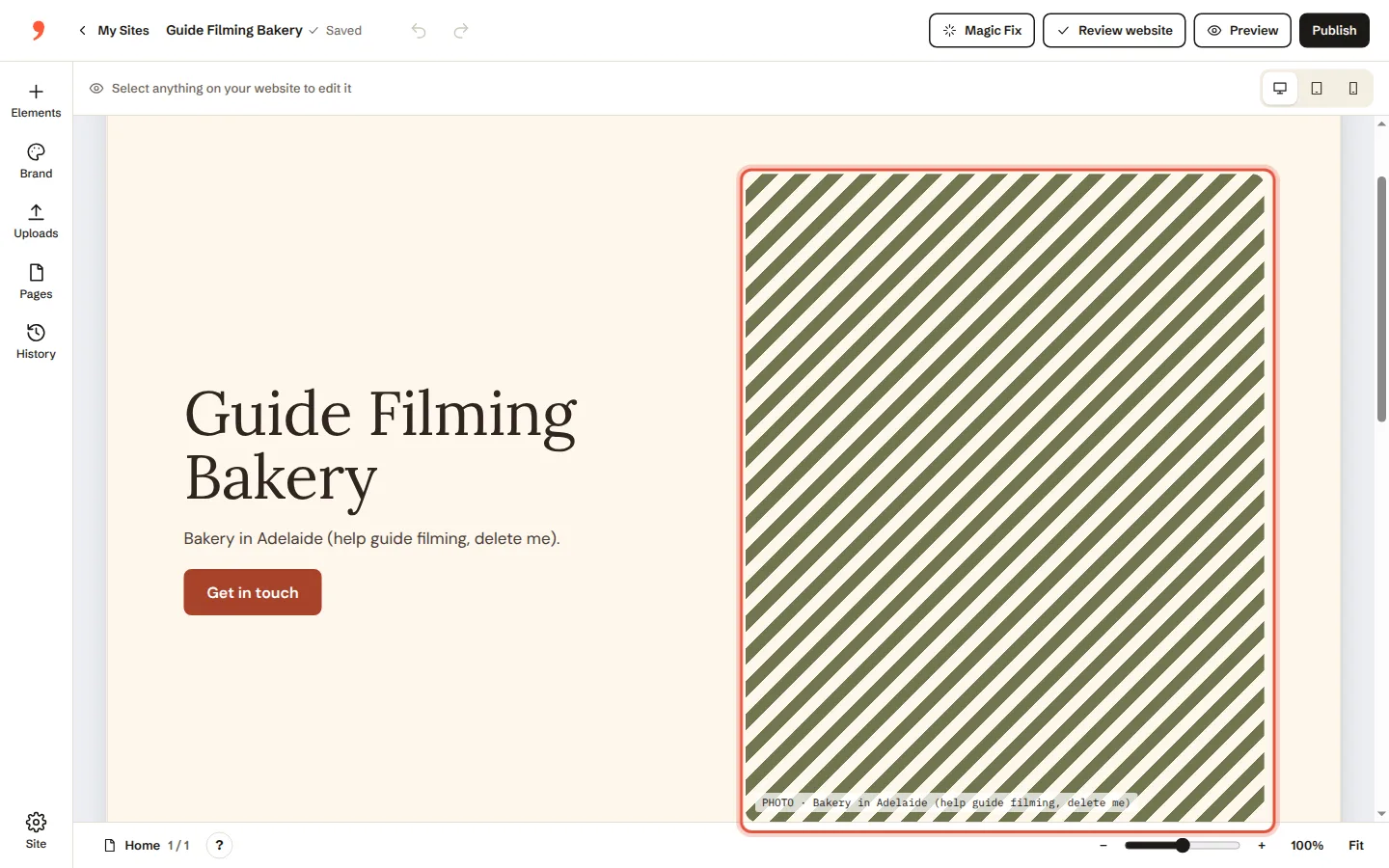
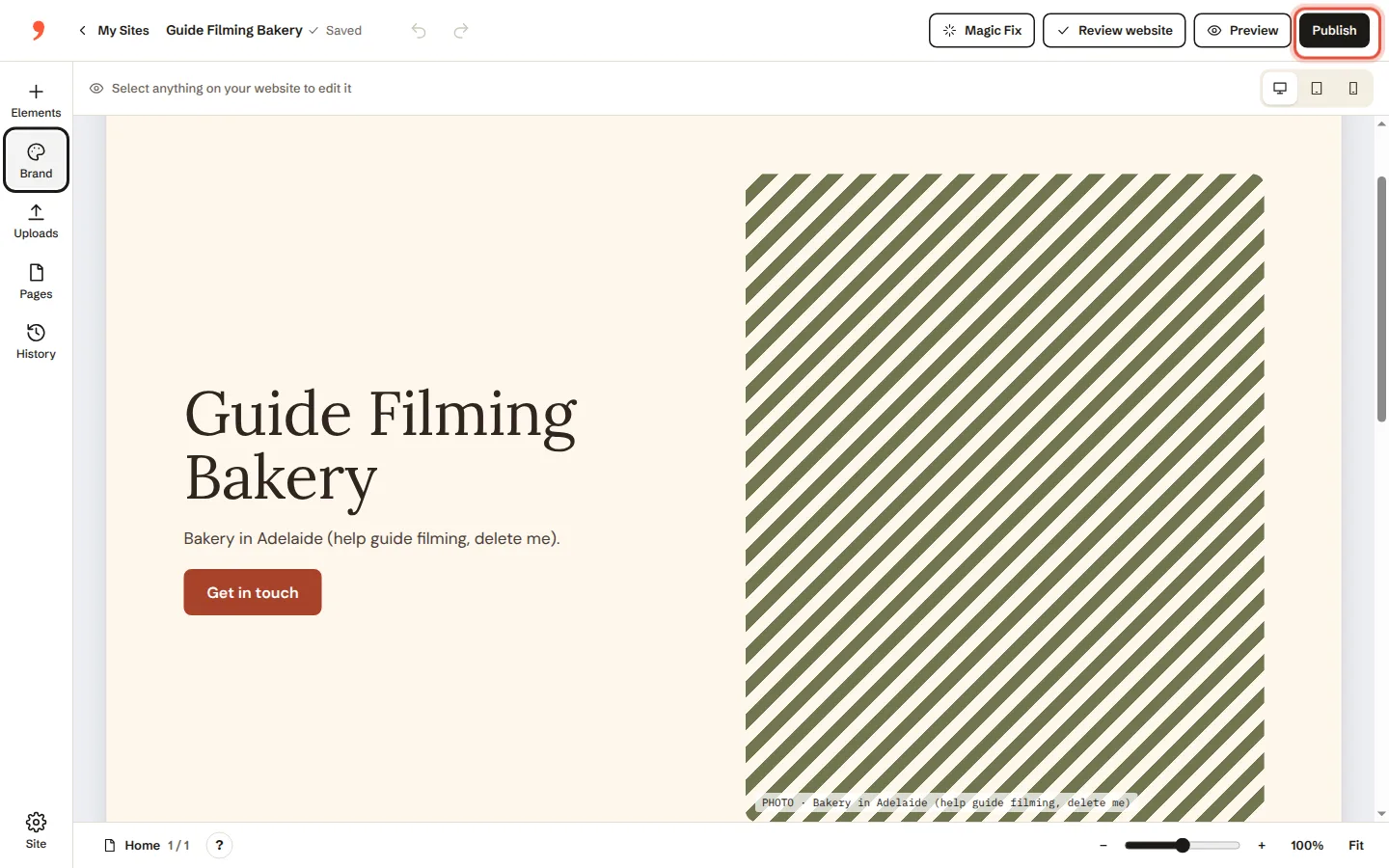
Click the photo you want to change.
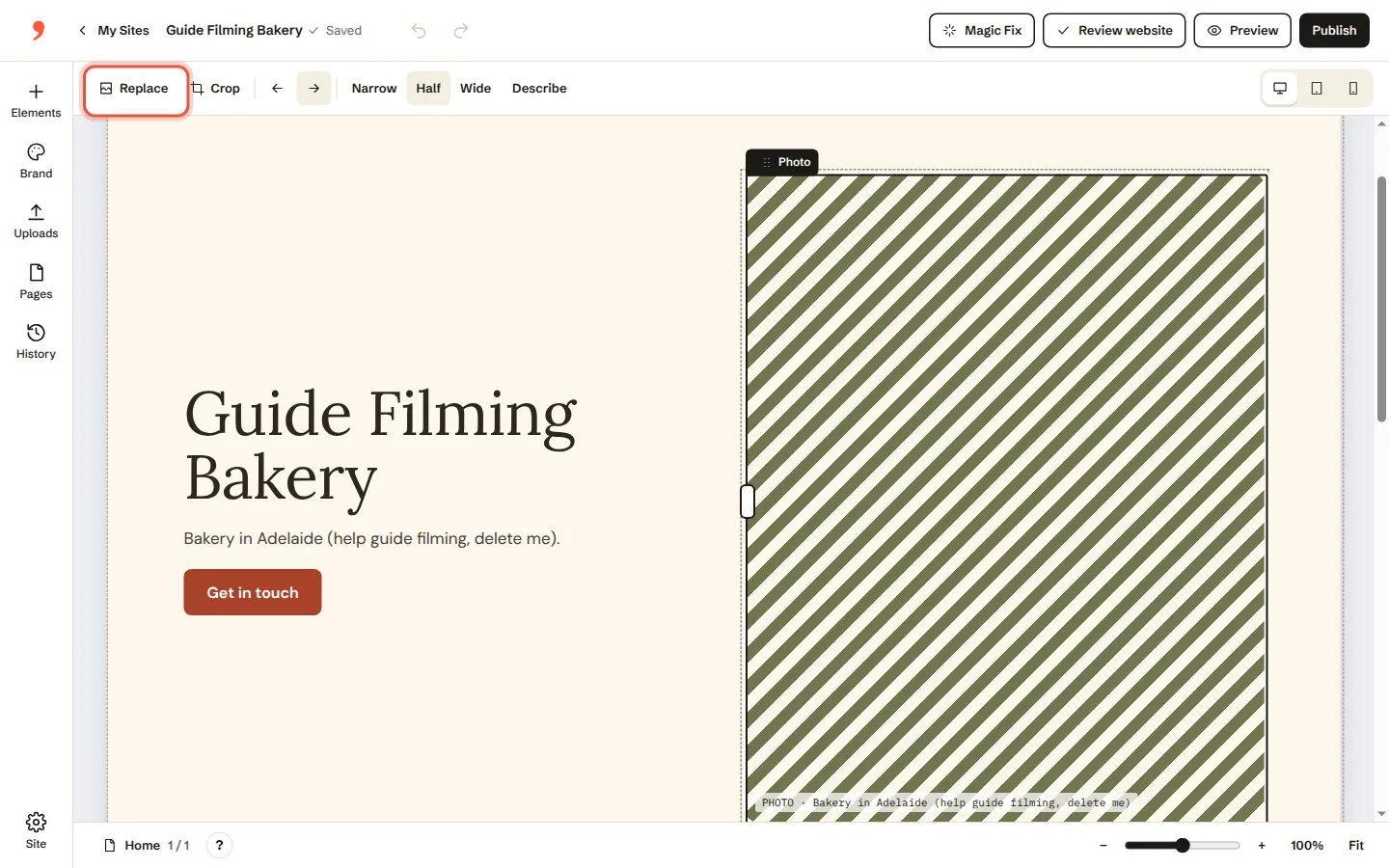
Click Replace.
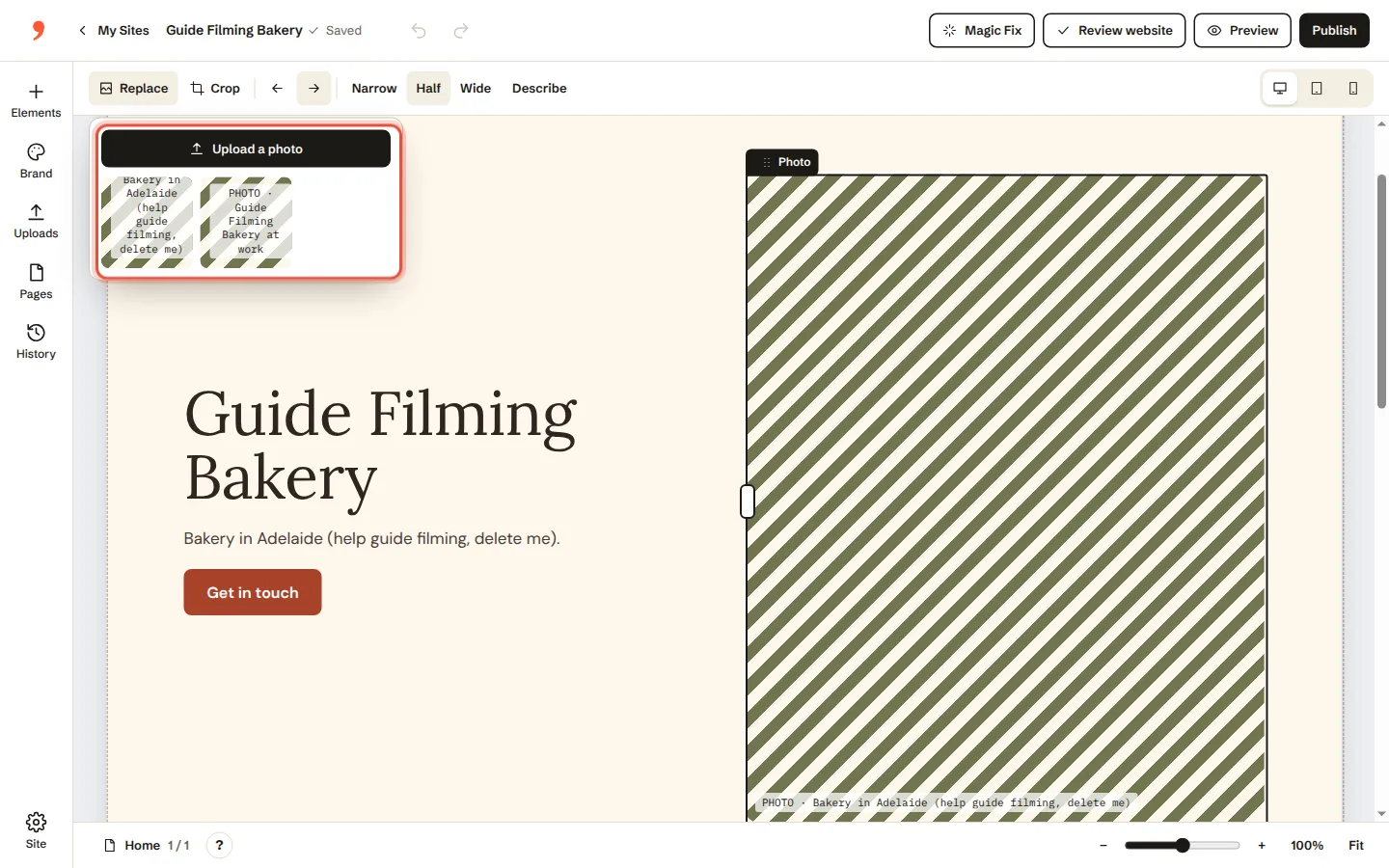
Choose a photo from your computer, or one you’ve used before.
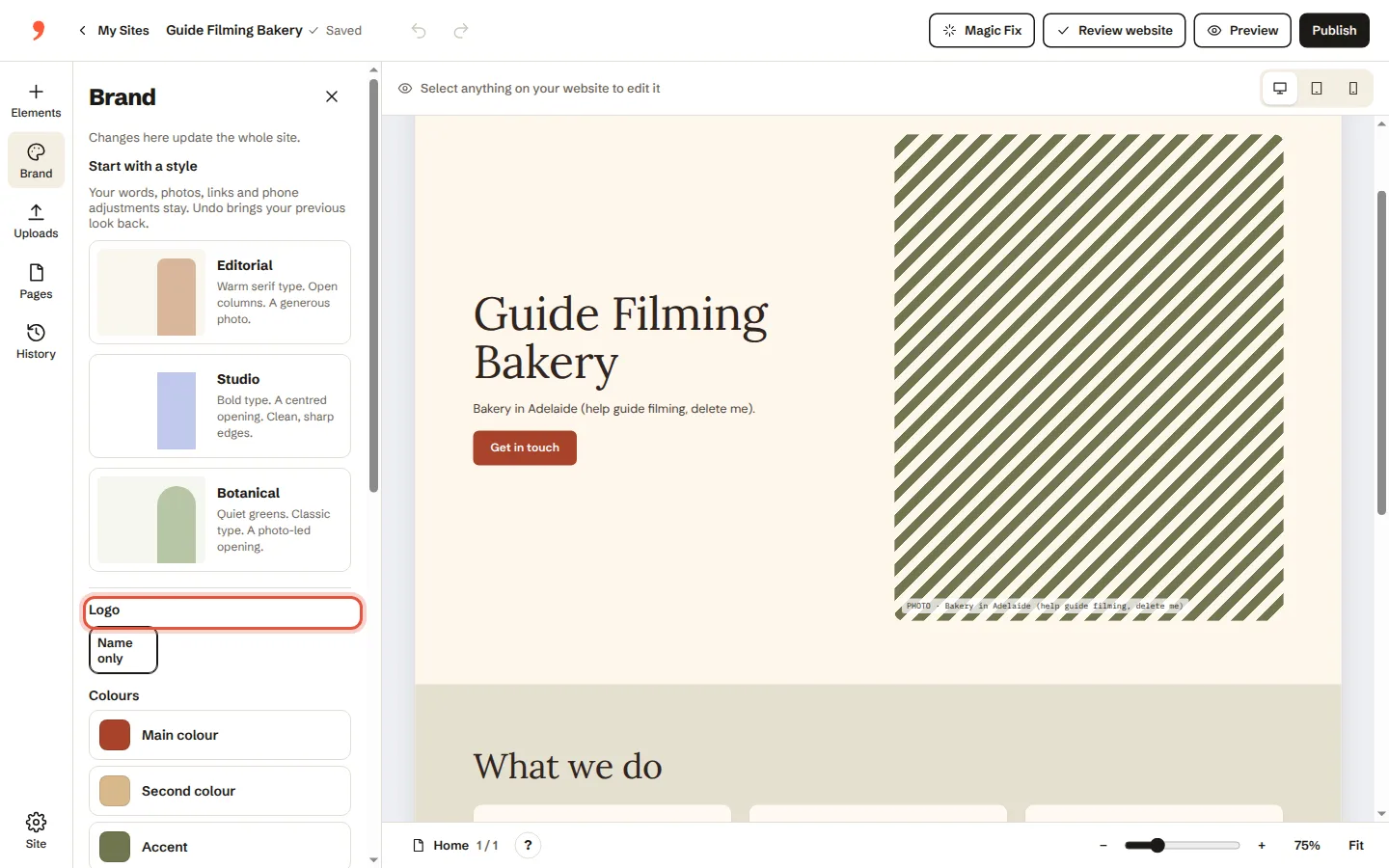
Adding your logo? Click Brand, then add your logo.
That’s it. It saves on its own. Click Publish when you want it live.
Was this helpful?