website thanks.
My SitesBillingAccountHelp
← Help/Going live

Preview on a phone, and publish your changes

Takes about 1 minute

Step by step

  1. Click Phone at the top to see your website the way phones see it.
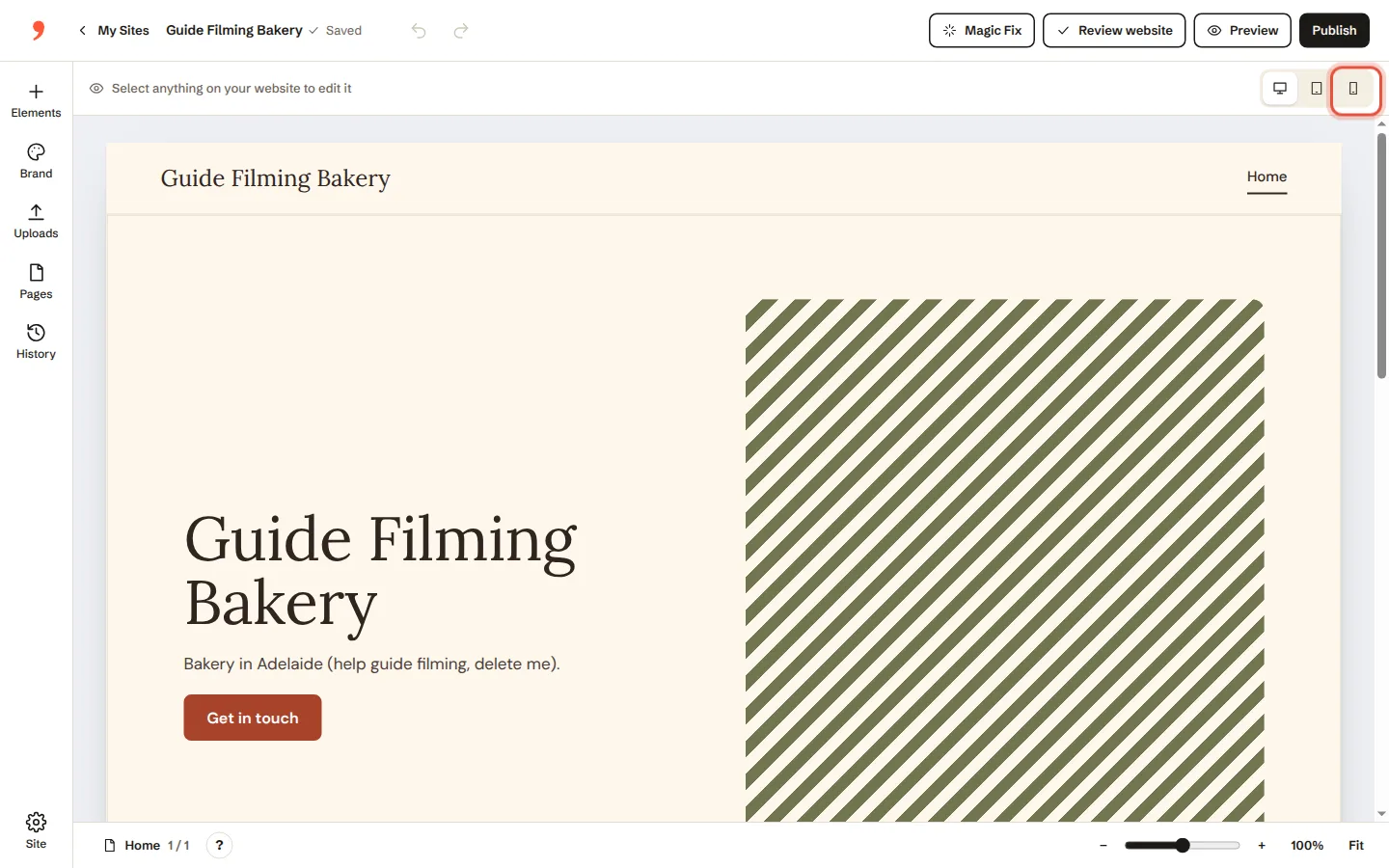
    Step 1: Click Phone at the top to see your website the way phones see it.
  2. Click Preview to look at it without the editing tools.
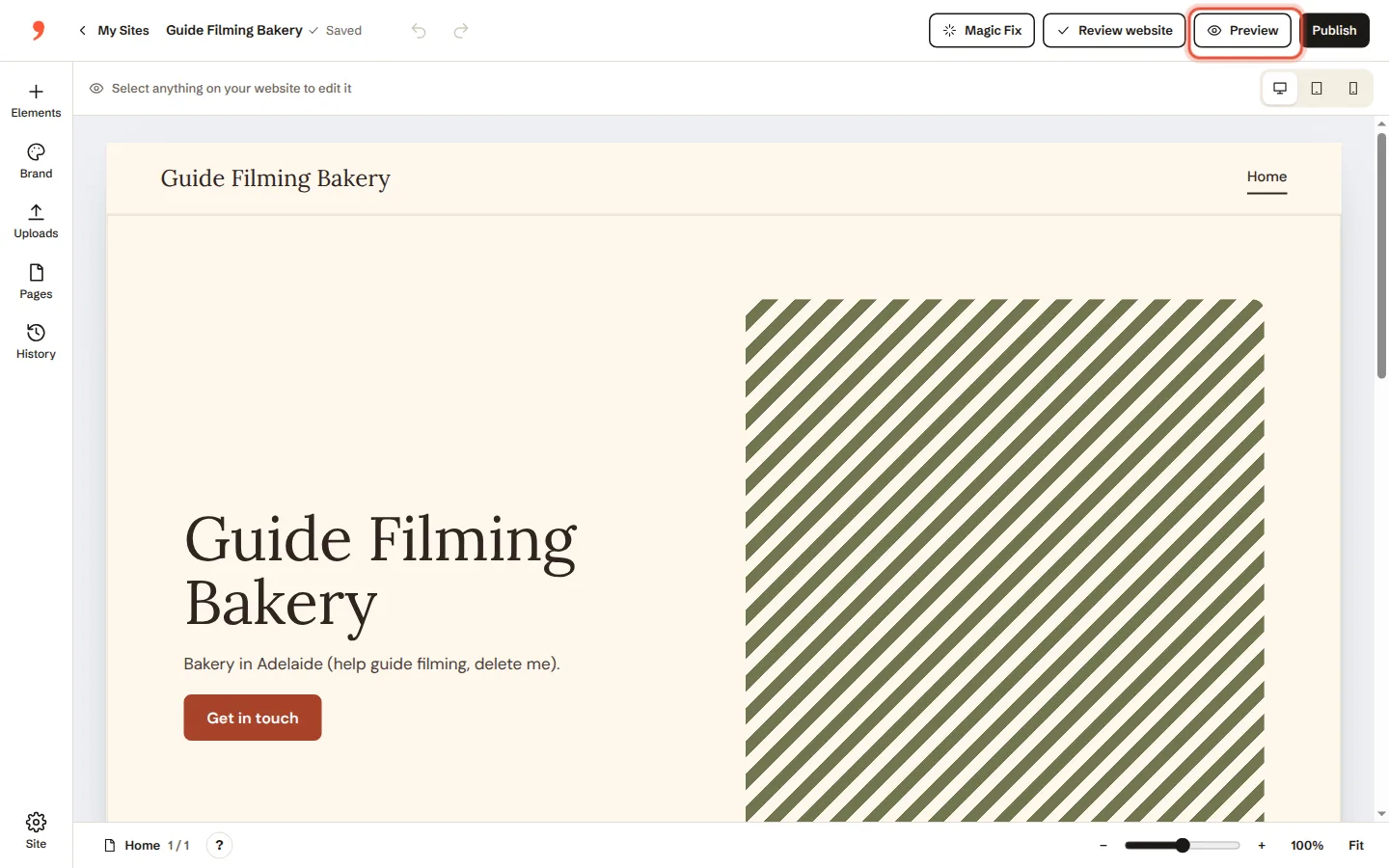
    Step 2: Click Preview to look at it without the editing tools.
  3. Happy? Click Publish. Your changes are live straight away.
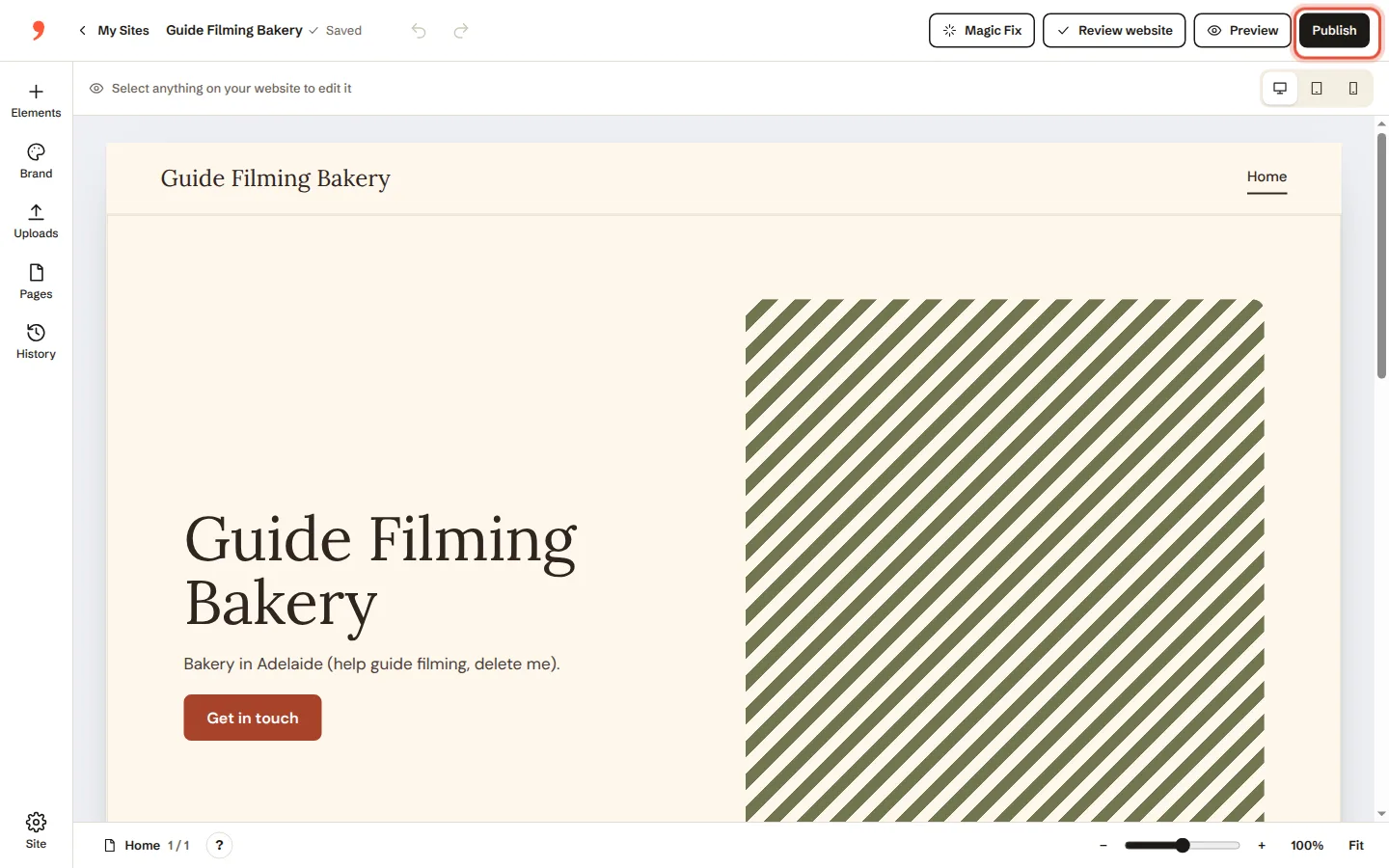
    Step 3: Happy? Click Publish. Your changes are live straight away.
Was this helpful?

Related guides

Words and photosChange the words on a page→Words and photosSwap or add a photo; add your logo→Web address and emailConnect a web address you already own→

In this guide

  1. Click Phone at the top to see your website the way phones see it
  2. Click Preview to look at it without the editing tools
  3. Happy

Need a hand?

A real person within an hour, 9am to 2am, 7 days.

Or ask us to change it for you