website thanks.
My SitesBillingAccountHelp
← Help/Your files

Download your words and photos

Takes about 1 minute

Step by step

  1. Go to My Sites and click Settings on your website.
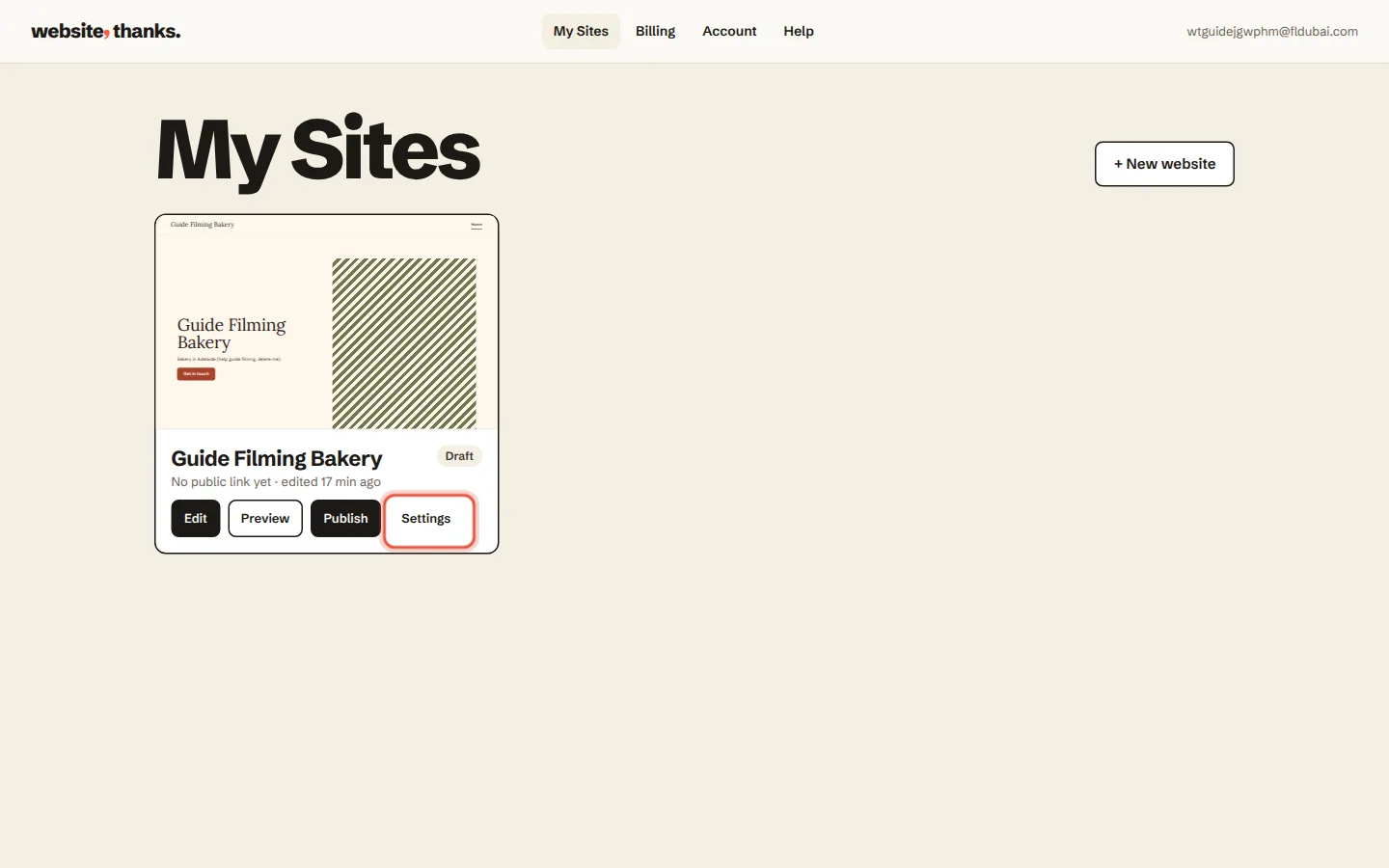
    Step 1: Go to My Sites and click Settings on your website.
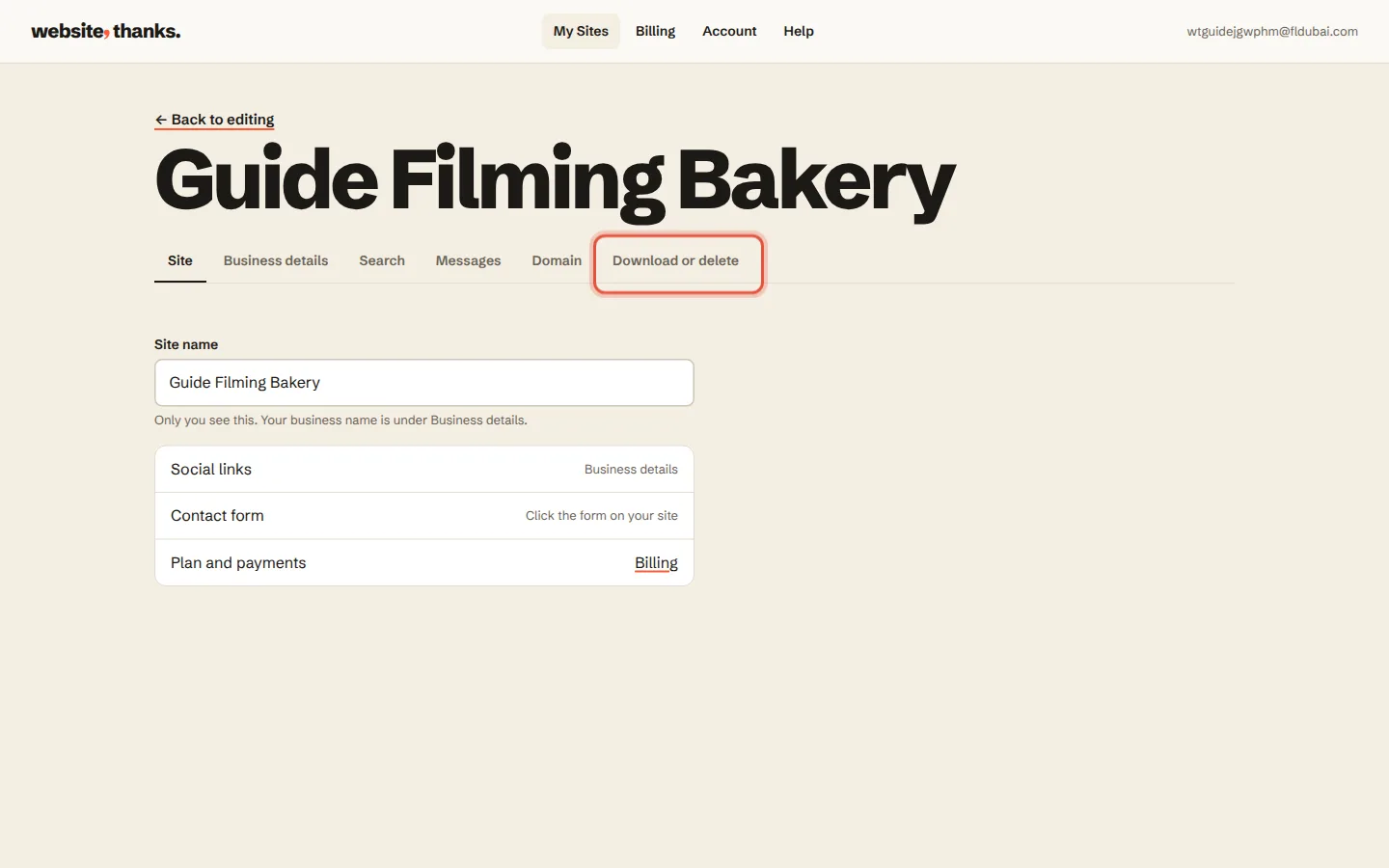
  2. Click Download or delete.

    Step 2: Click Download or delete.
  3. Click Download my words and photos. You get one page you can open and save anywhere.
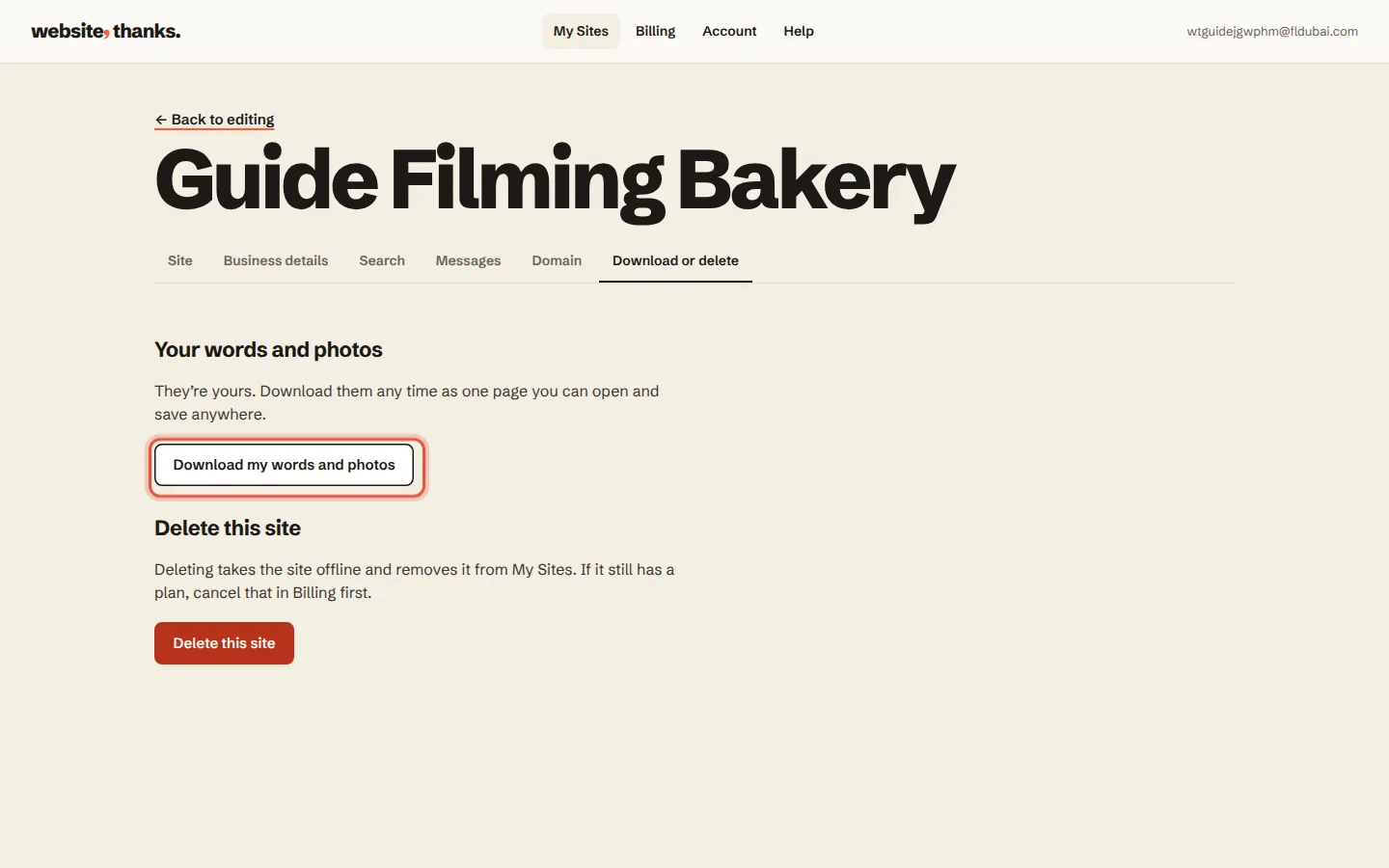
    Step 3: Click Download my words and photos. You get one page you can open and save anywhere.
Was this helpful?

Related guides

BillingUpdate your card, see invoices, cancel, and what happens if a payment fails→Your detailsChange your phone number, email, address or opening hours→Going liveAsk us for a change→

In this guide

  1. Go to My Sites and click Settings on your website
  2. Click Download or delete
  3. Click Download my words and photos

Need a hand?

A real person within an hour, 9am to 2am, 7 days.

Or ask us to change it for you