Update your card, see invoices, cancel, and what happens if a payment fails
Takes about 2 minutes
Step by step
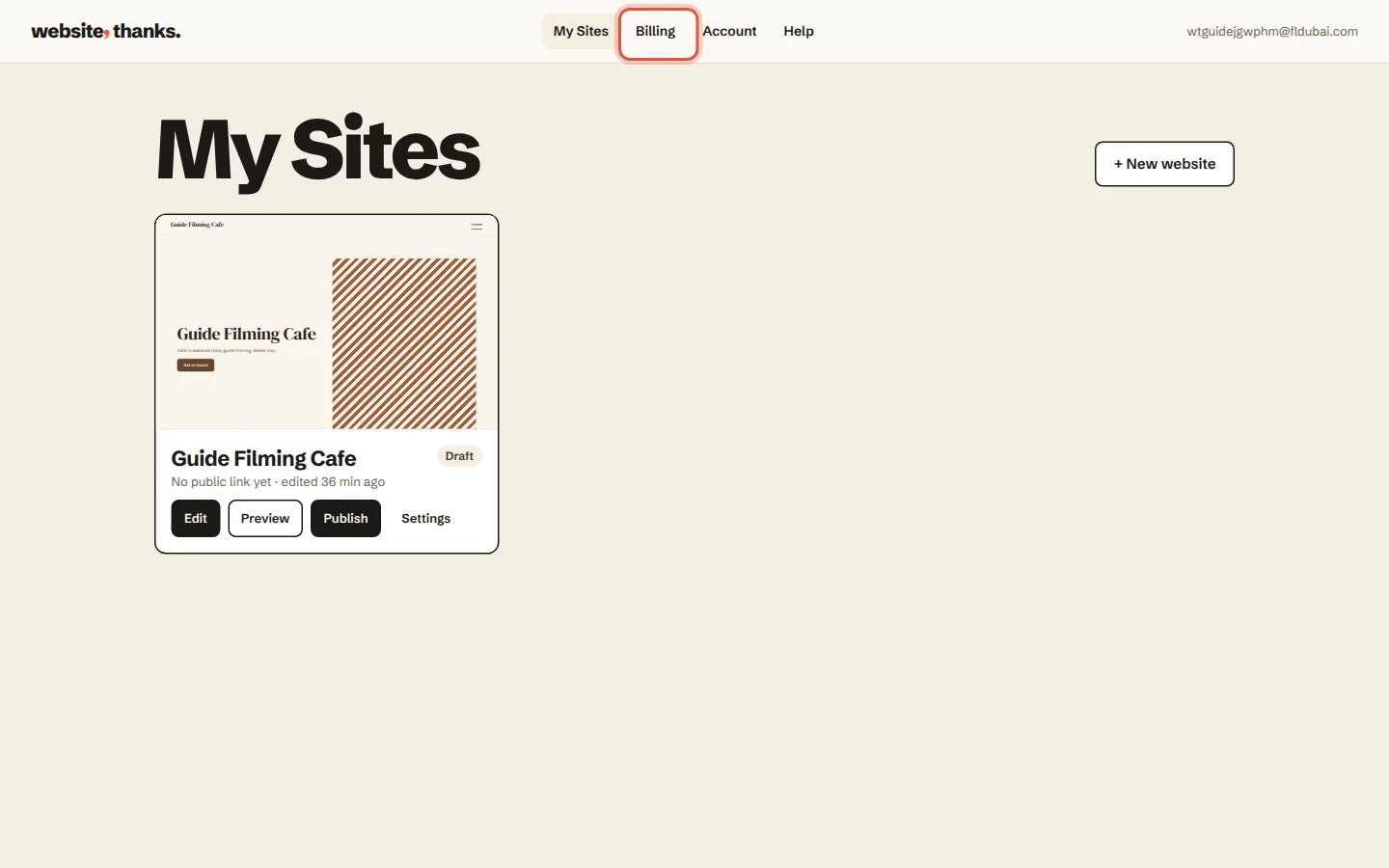
Click Billing at the top.
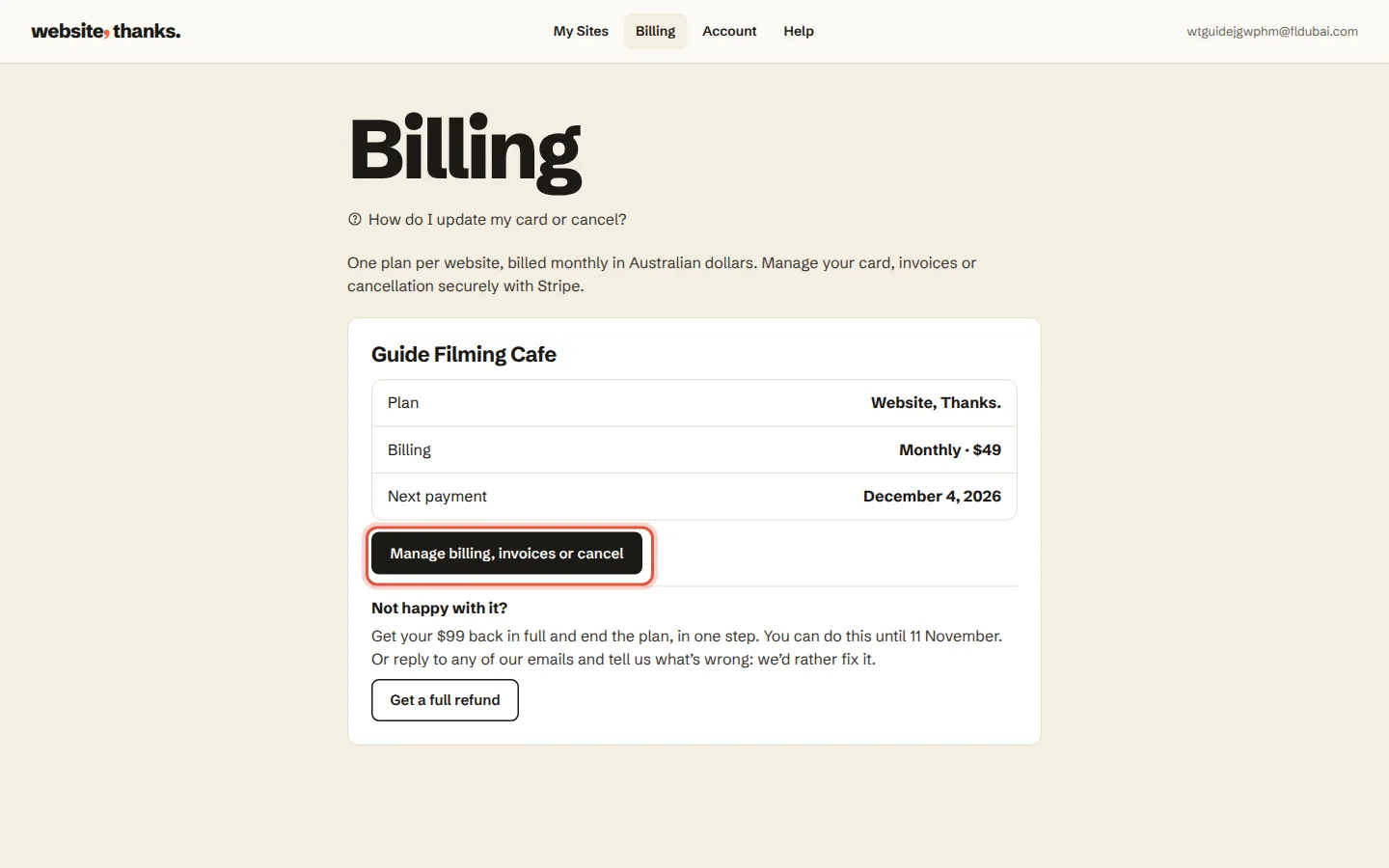
Click Manage billing, invoices or cancel. A secure Stripe page opens.
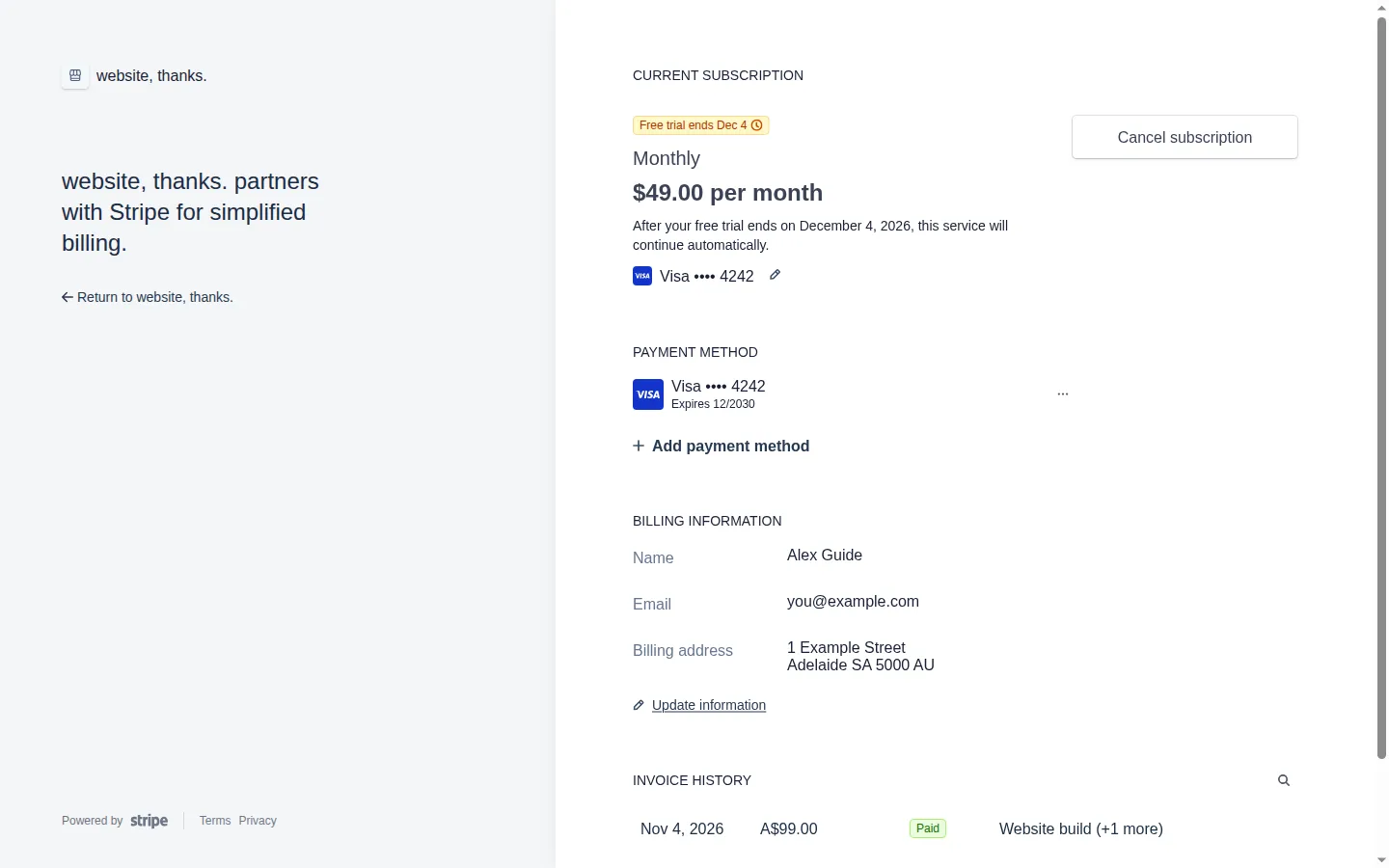
There you can update your card, download invoices or cancel your plan.
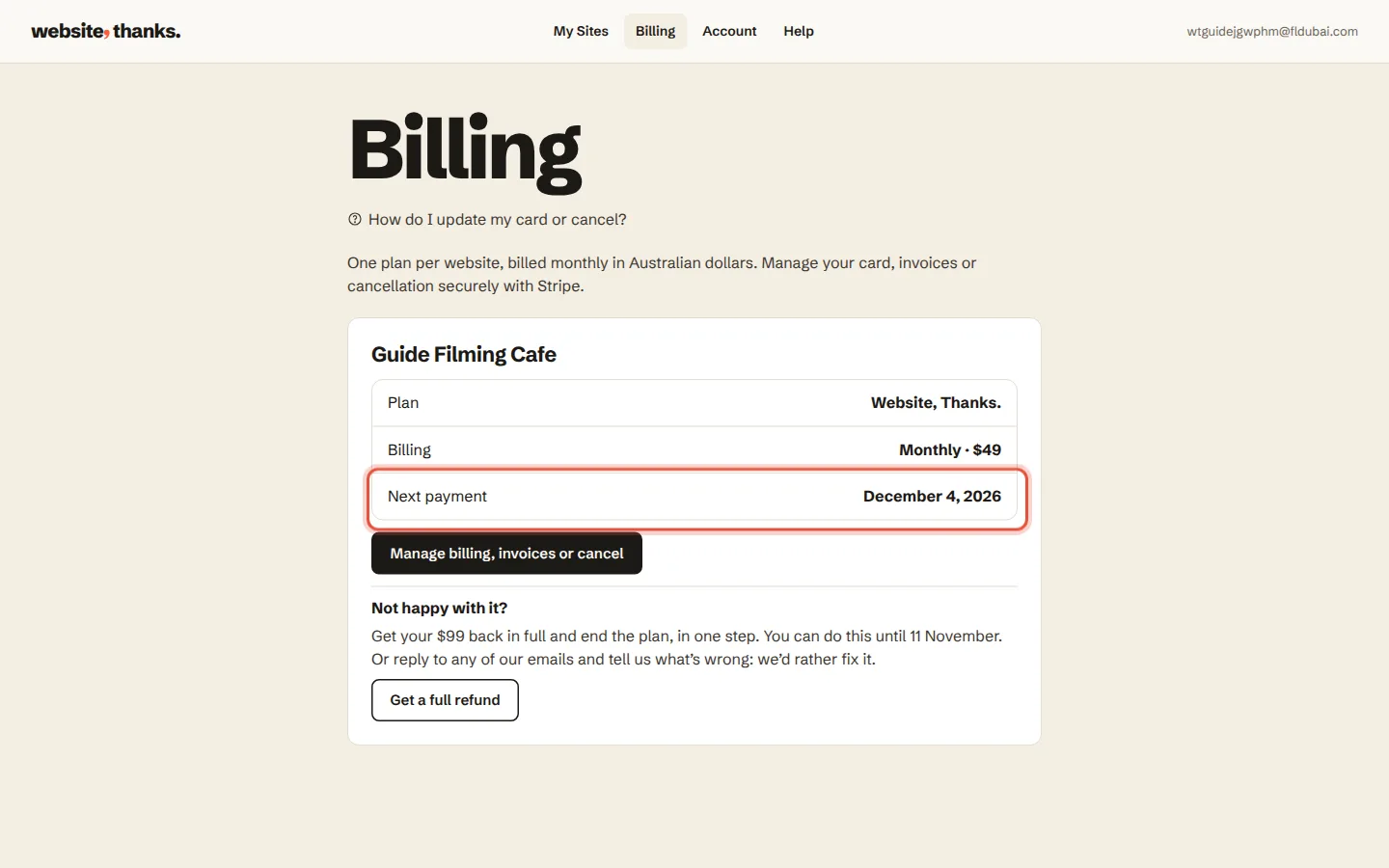
If a payment fails, we email you and try again. Your website stays up for 7 days while you update your card.
Was this helpful?